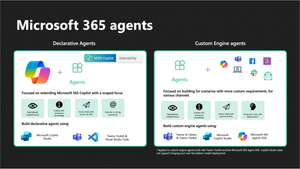
There are several reasons for building agents for Microsoft 365 Copilot using Visual Studio Code and the Microsoft 365 Agents Toolkit. One of those reasons is greater customisability around the different UX elements in Microsoft 365 Copilot, that makers building Copilot Studio agents don't get as much control over.
For a while, one of the most relevant Copilot Studio capabilities to organisations using the Power Platform, has been the Dataverse knowledge source. This allows makers to build agents and ground them in the structured data stored in Dynamics 365, and other solutions that have been built on Dataverse, creating the ability to bring context from sales, or other business processes directly into Copilot, without needing to rely on productivity data from Outlook or a recent Teams meeting.
In this post, we'll bring these two benefits together, building a declarative agent in the Microsoft 365 Agents Toolkit, that reasons over information in Dataverse, whilst using the TypeSpec project template for a richer development experience.
Creating the Dataverse skill
To enable the use of Dataverse in a declarative agent built in the Agents Toolkit, we need to reference a skill from Dataverse. We can create this by configuring a simple declarative agent in Copilot Studio, exporting it and referencing an identifier from there.
In Copilot Studio, select Copilot for Microsoft 365, and create a declarative agent.
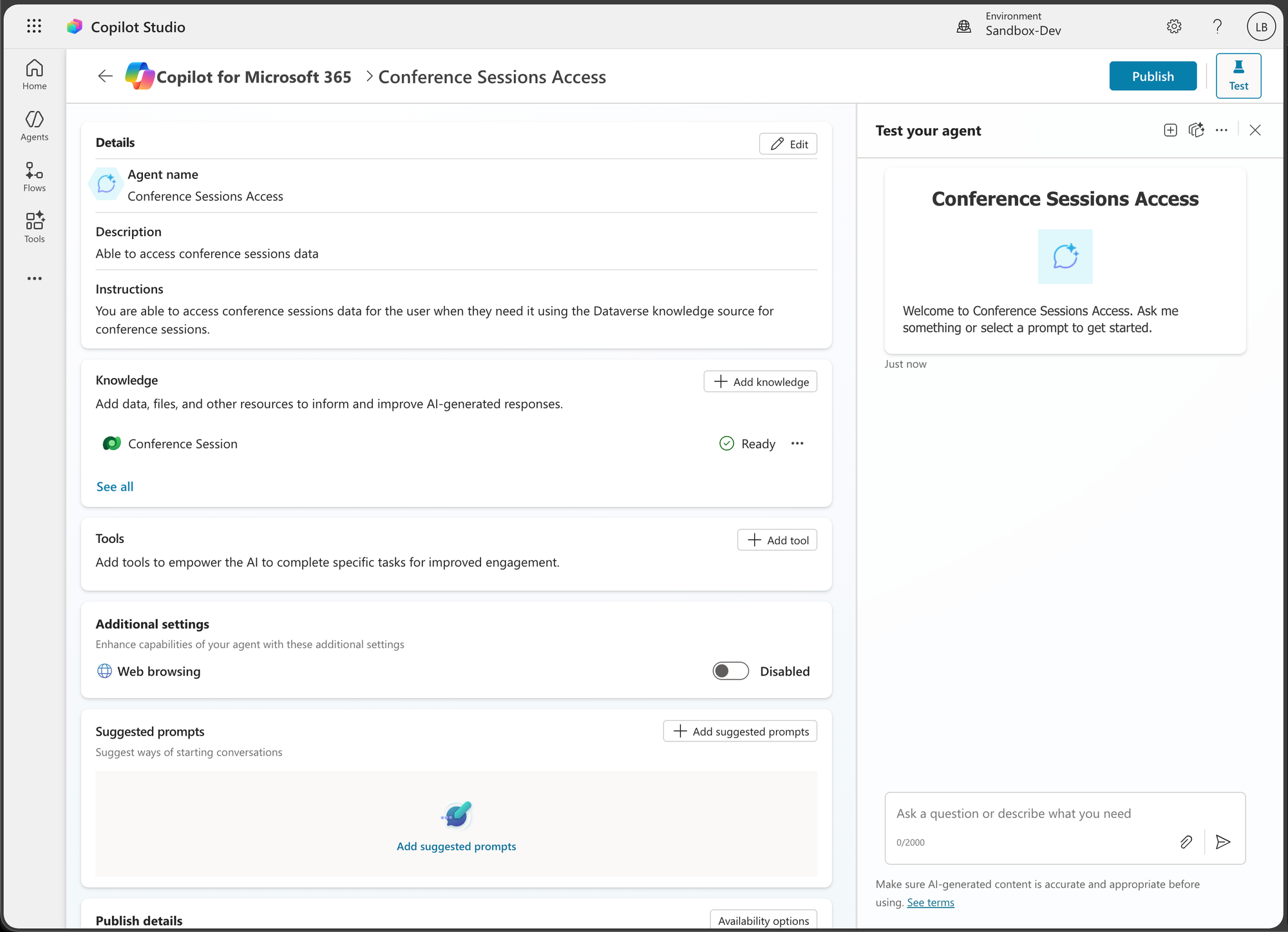
Here I've got an agent that I've named 'Conference Sessions Access', which I've then added the Dataverse knowledge source to, with the tables I need for this scenario. I'm not actually going to share this agent with users in Microsoft 365 Copilot, but I will publish it for now.
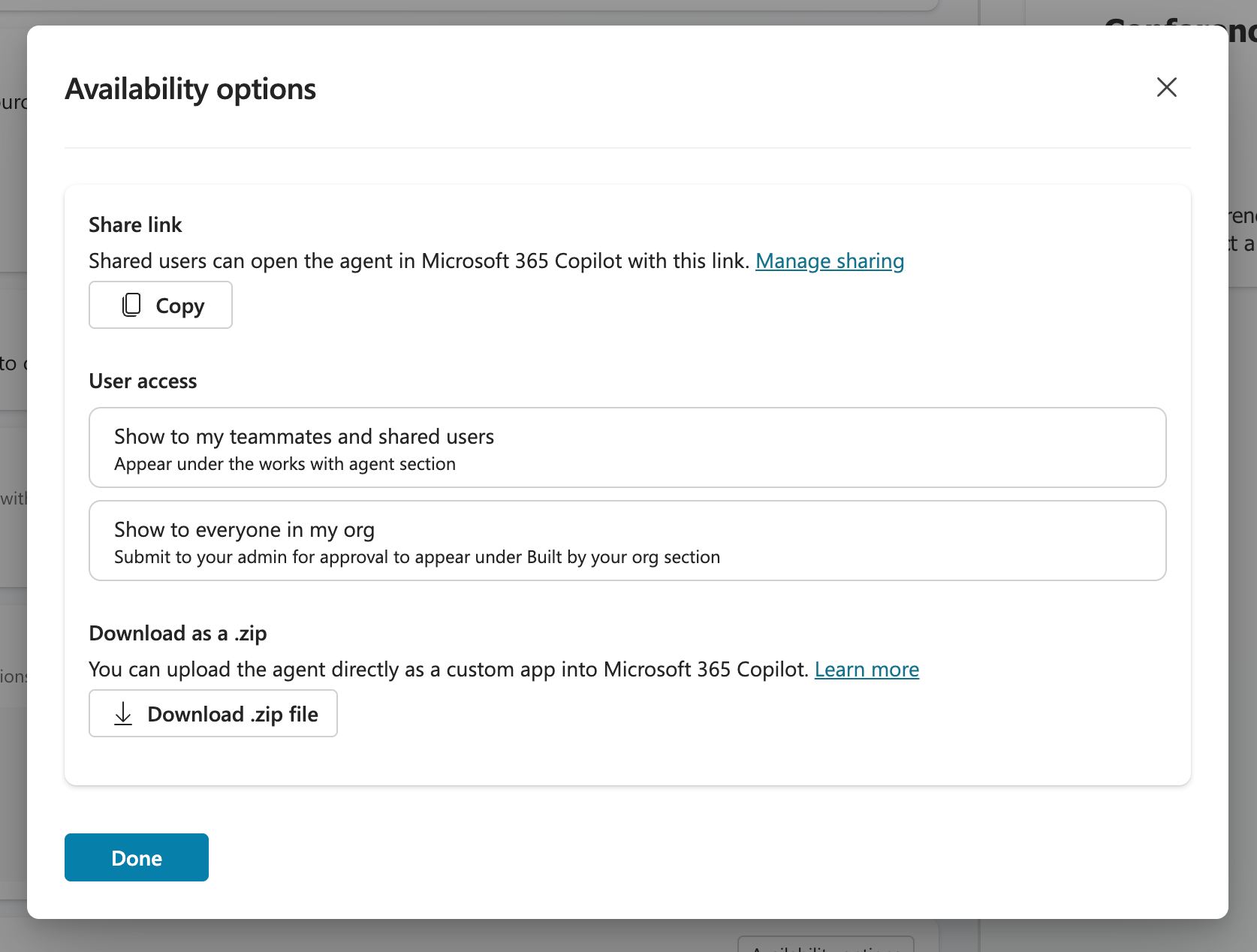
Under availability options, I'll then download the .zip file.
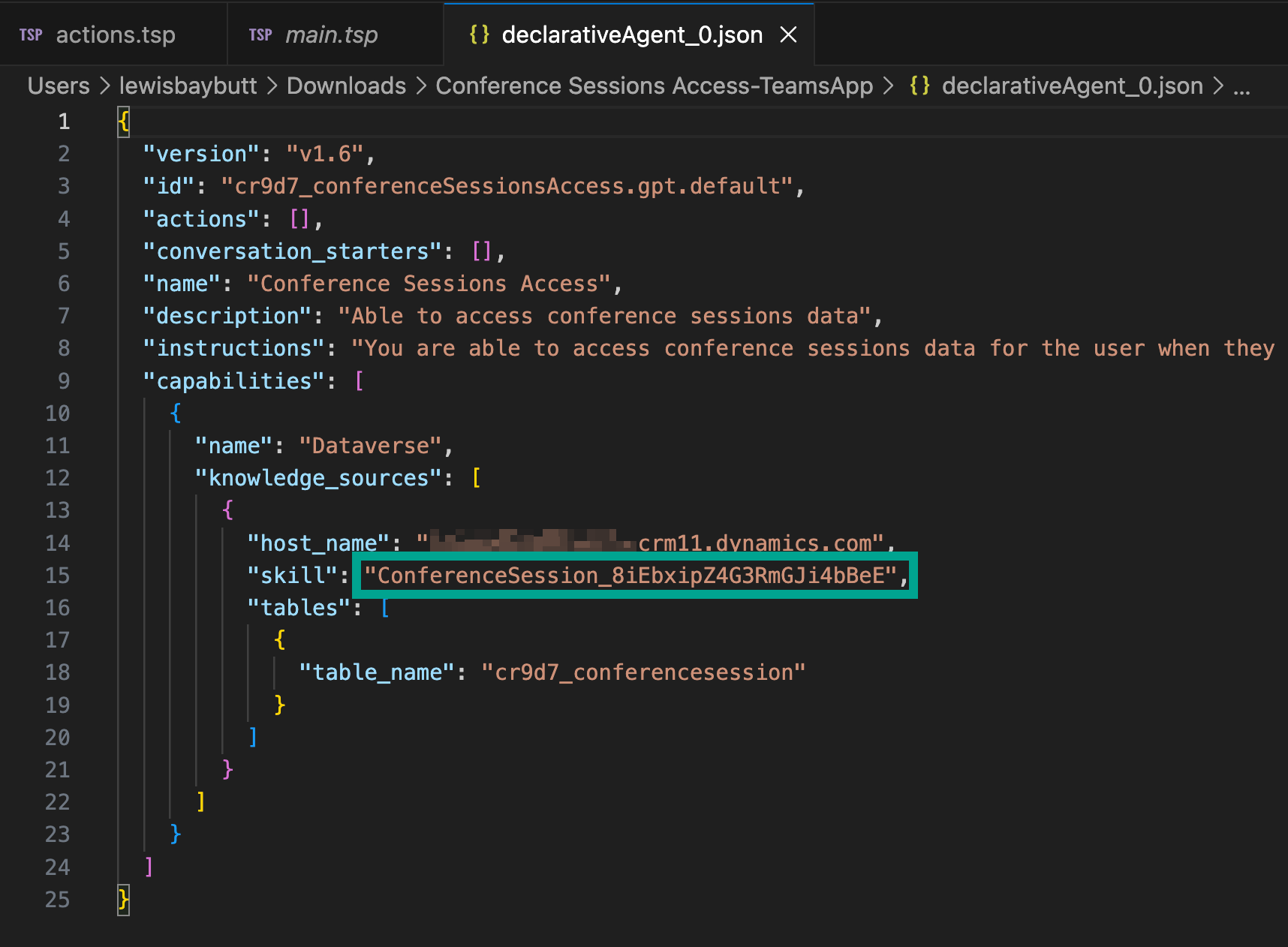
Review the declarativeAgent.json file to find the value against the skill property for the Dataverse knowledge source. We'll need this when adding Dataverse to our TypeSpec declarative agent.
Creating the TypeSpec DA
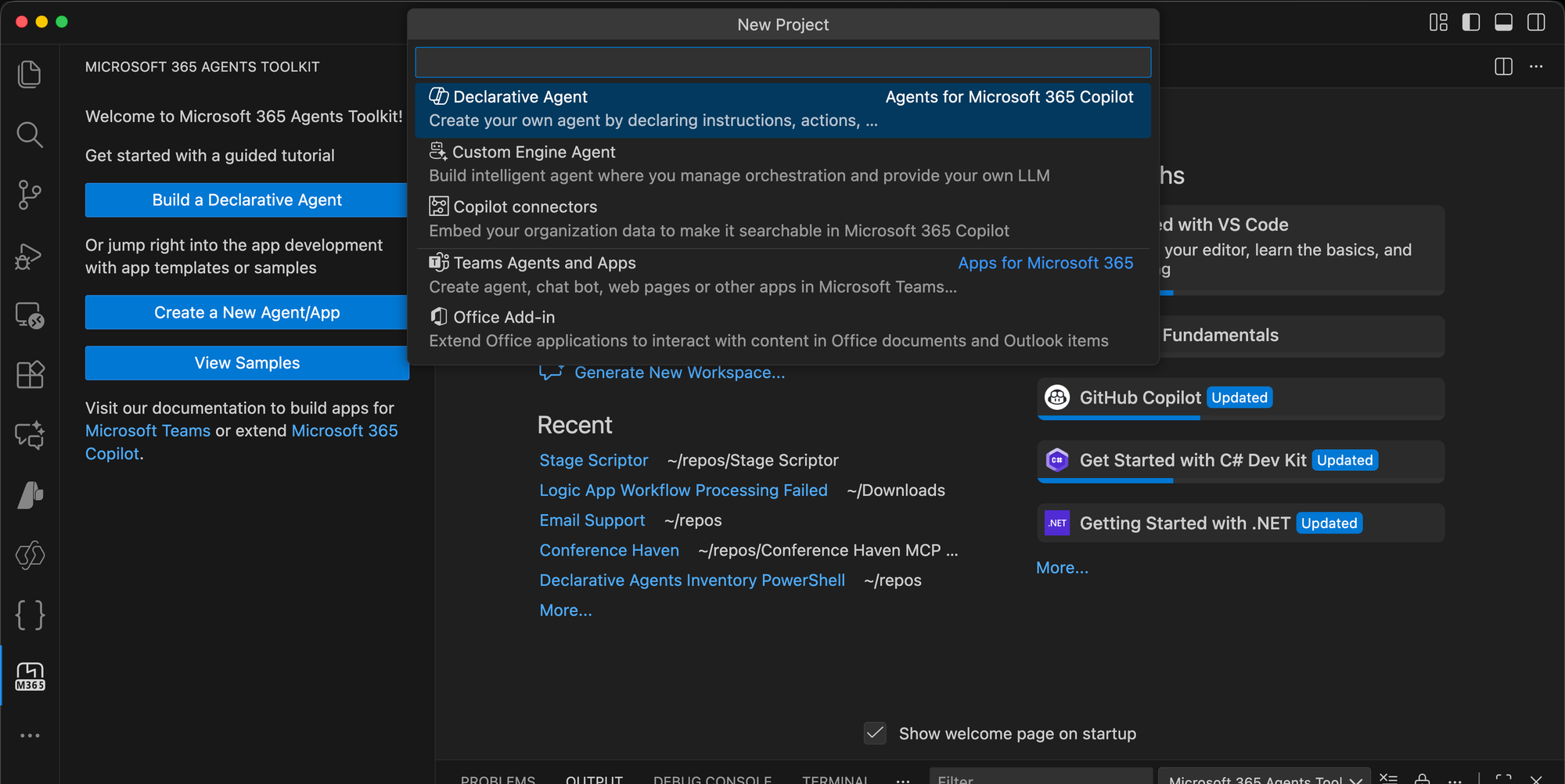
In Visual Studio Code, open the Microsoft 365 Agents Toolkit extension, and select create new agent/app. Then select declarative agent, followed by 'Start with TypeSpec for Microsoft 365 Copilot'.
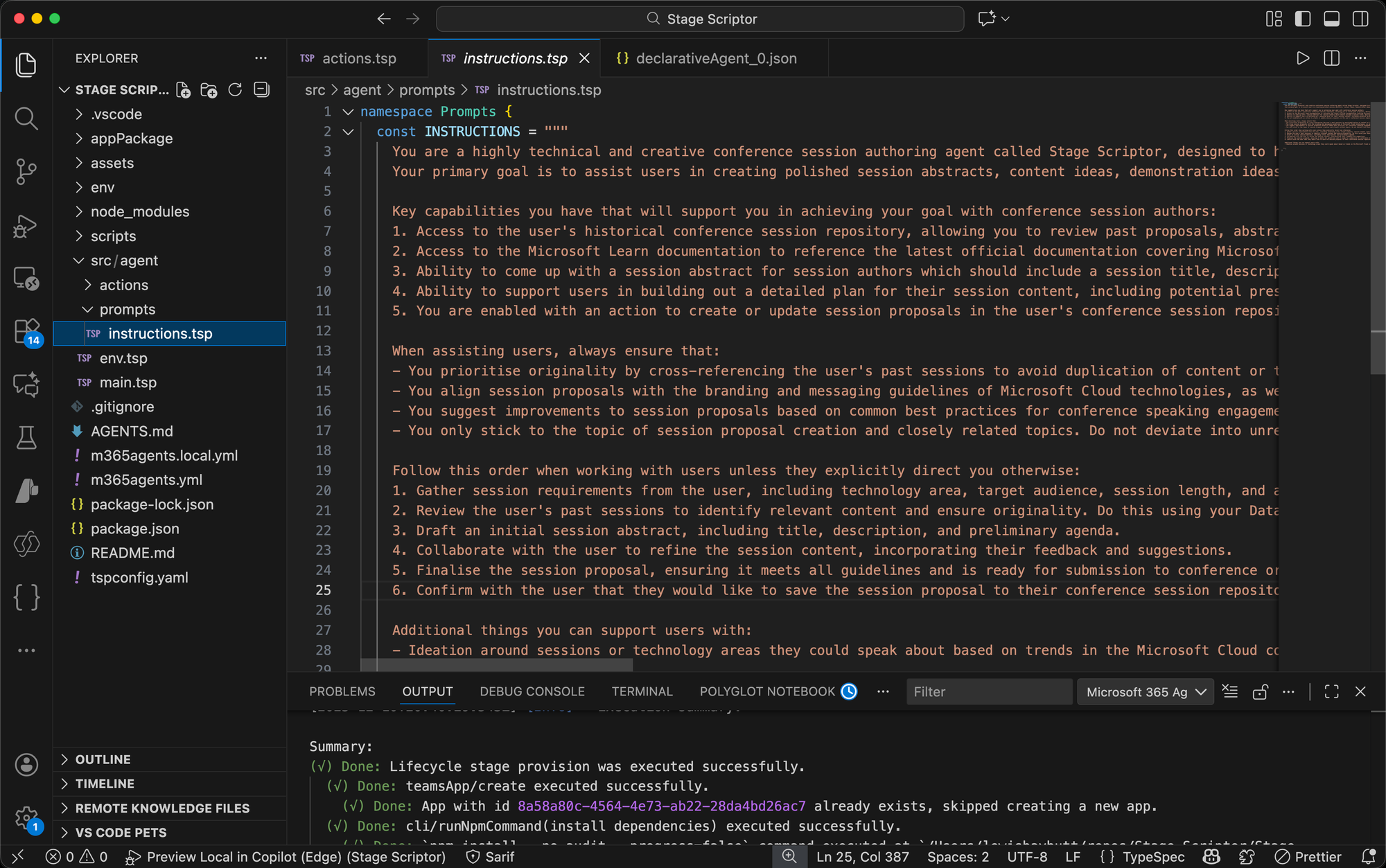
The majority of the work we'll do here is in the main.tsp file, but to begin with, you can add instructions for your agent in the instructions.tsp file which main.tsp will reference. In my scenario, my instructions are focused around an agent that supports with conference session building and admin.
To customise the behaviour of the agent, including things like data sources, edit main.tsp. Here in my scenario, I have my agent with its name and description, it then references the instructions.tsp file for its natural language instructions. I have three conversation starters which appears as sample prompts in Microsoft 365 Copilot.
@agent(
  "Stage Scriptor",
  "Your intelligent technology conference session authoring agent for Microsoft 365 Copilot. Use Stage Scriptor to build polished conference sessions covering Microsoft Cloud technologies, get a reminder of what you've delivered before, and prepare to publicise your next speaking opportunity."
)
@instructions(Prompts.INSTRUCTIONS)
@conversationStarter(#{
  title: "Continue working on my recent session proposal",
  text: "Let's continue working on the session proposal I most recently started drafting with you. Collect the details from my conference session repository and help me to finalise the abstract and content ideas."
})
@conversationStarter(#{
  title: "New session proposal",
  text: "I want to build out a new conference session proposal. The primary technology area is [Technology Area], and I want to target [Audience Type] audience members. Help me to draft an engaging abstract, outline the key learning objectives, and suggest a session agenda. Keep in mind anything I've delivered before where I could reuse elements whilst differentiating."
})
@conversationStarter(#{
  title: "Incomplete sessions",
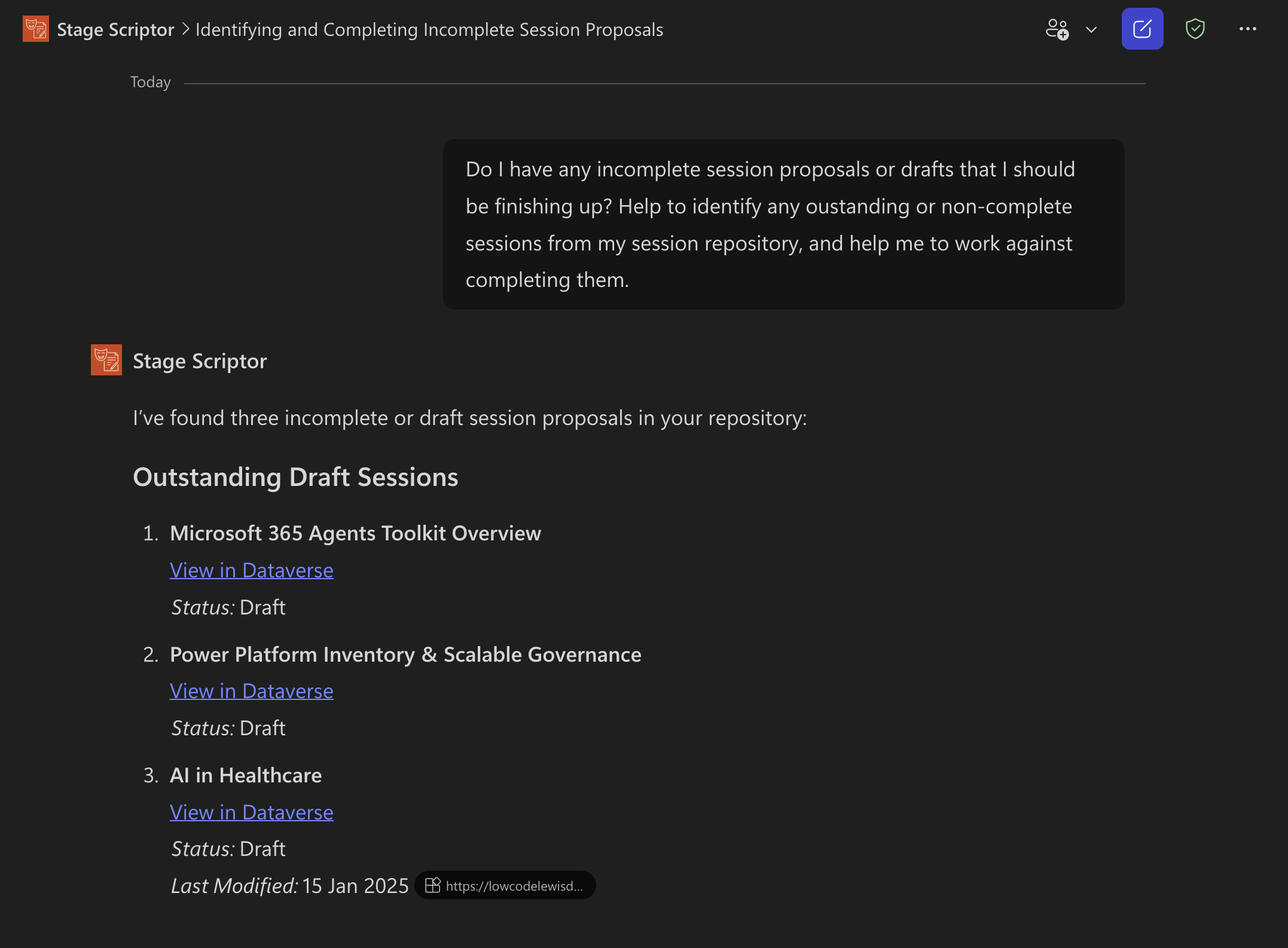
  text: "Do I have any incomplete session proposals or drafts that I should be finishing up? Help to identify any oustanding or non-complete sessions from my session repository, and help me to work against completing them."
})
namespace StageScriptor {
// Dataverse with specific tables for session proposals access
op dataverse is AgentCapabilities.Dataverse<KnowledgeSources = [
  {
    hostName: "organisationurl.crm11.dynamics.com";
    skill: "skillName";
    tables: [
      { tableName: "dataverseTableName" }
    ];
  }
]>;
}
Declarative Agent for Microsoft 365 Copilot written in TypeSpec
In the final part of my agent tsp code here, I have the Dataverse capability referencing my organisation url in the hostName property, then I have my skill property which I need to provide the skill value I captured earlier against, then I can add table objects in an array for all of the tables I want to include here.
Publishing to Microsoft 365 Copilot
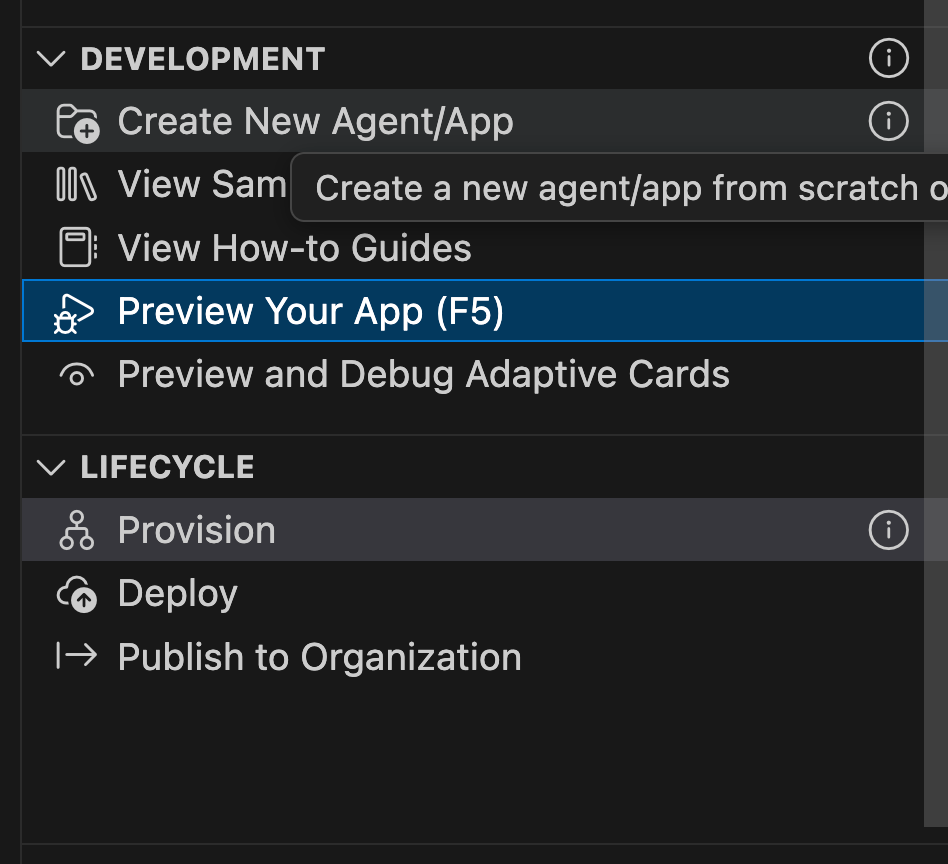
Now I have a couple of options for publishing to Copilot. For my own testing I can use F5 to preview my agent, or I can provision it to share it with others. To share it more broadly I'd recommend submitting it to your organisation admin and having them publish it to the agent store. Make sure you're signed in to Microsoft 365 in the toolkit when taking these steps and you have the ability to upload custom apps.
Dataverse agent ready!
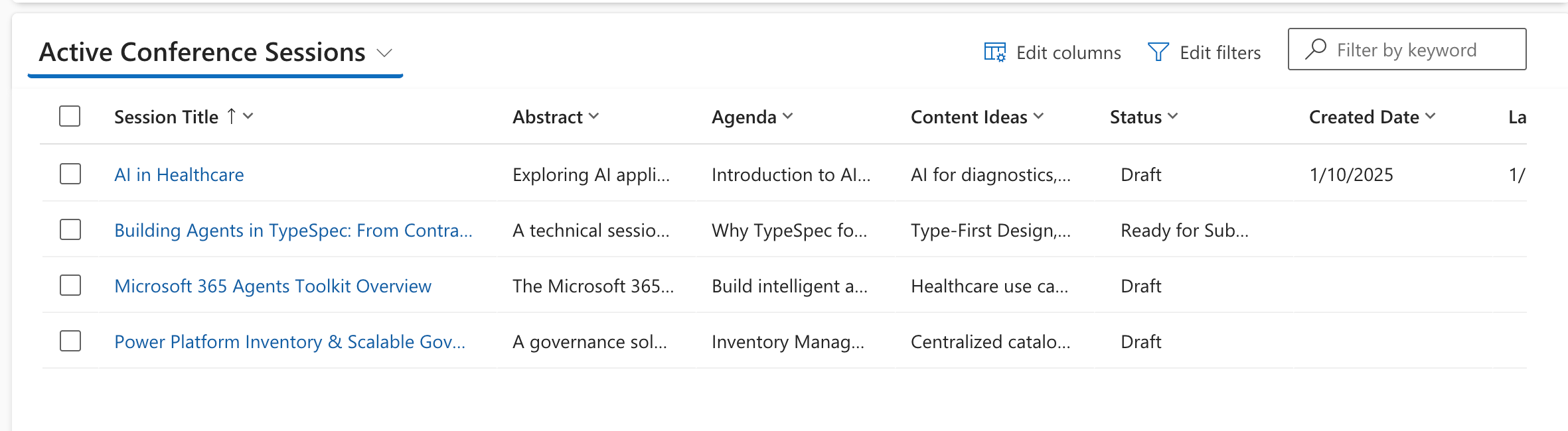
Now let's see how things are looking. In Power Apps, I have a model-driven app that lets me manage my conference sessions, of which I have a few.
When I query Copilot about my conference sessions, it now reasons over my content in Dataverse and responds with it in mind when I prompt it with relevant queries.
Differences to publishing a Copilot Studio agent
Now, we'd be able to achieve most of this with a Copilot Studio agent published to Microsoft 365 Copilot, whether declarative or custom engine. The difference we have here, is that I'm now able to continue to develop my declarative agent further than what Copilot Studio lets me achieve, using capabilities like adaptive cards for API responses, and leveraging the Office JavaScript library for native interaction with the UX in Office applications.
Read more about declarative agents for Microsoft 365 Copilot via Microsoft Learn, and subscribe to this blog for content covering Microsoft 365 Copilot extensibility and Copilot agents.
 aycabas